New Sorting & Filtering — find the safe or user you need, faster
What Is It?
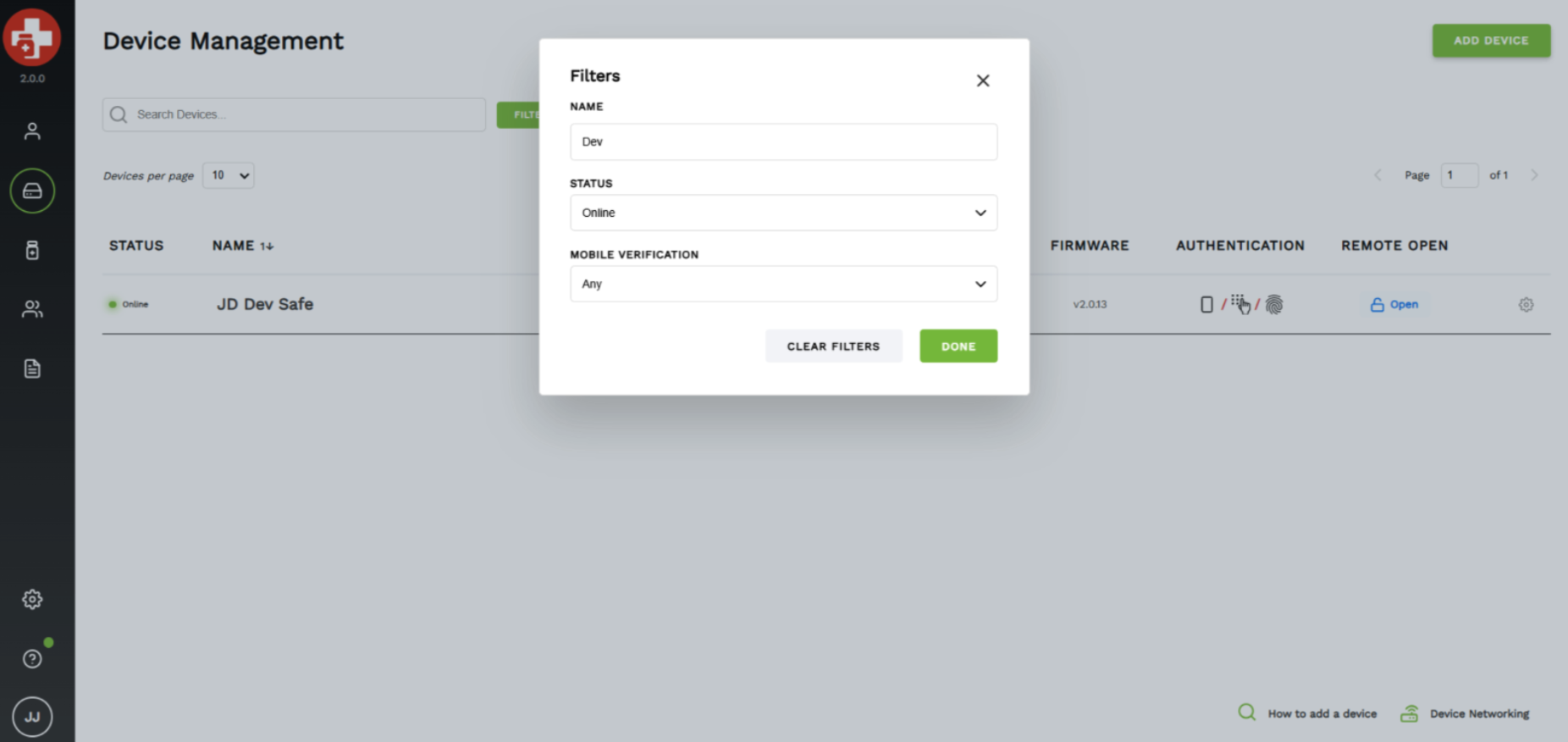
As part of our 2.1 release, Administrators can now sort and filter directly within the Device Management and User Management screens — so getting to the right safe or the right user takes seconds instead of scrolling.
On the Device Management screen, you can sort and filter your list of safes to zero in on exactly the ones you're looking for. On the User Management screen, you can search, sort, and filter your users the same way.
Who it helps most
This is especially valuable for Customers running a larger number of safes and/or users in the system. The more your deployment grows, the more time this saves — no more hunting through a long list to find one device or one person. You set the view; MedixSafe brings the right records to the top.